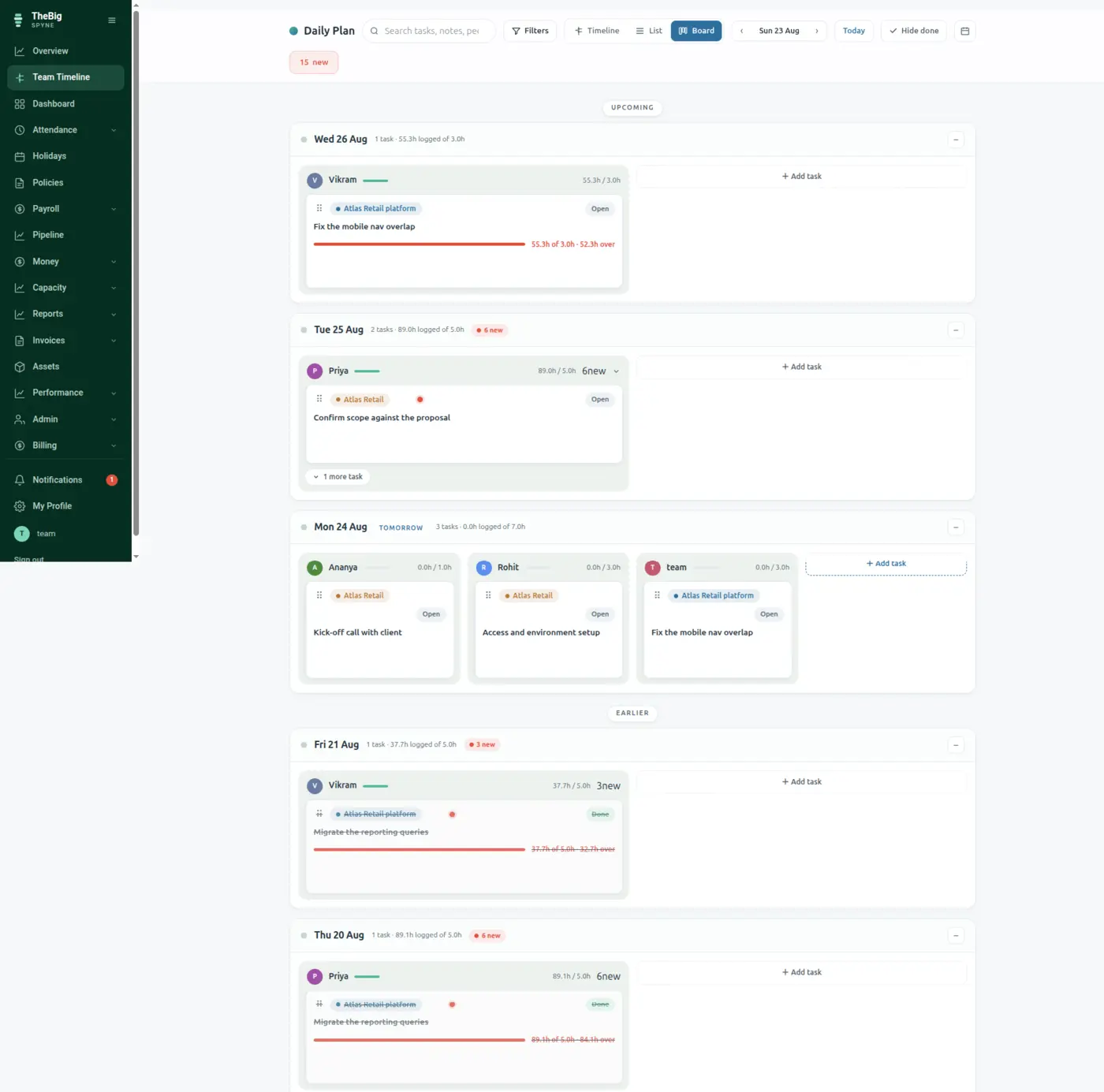
Not a sprint board that nobody updates after Tuesday. Each morning the day is planned, worked and published — and then it stays, as a record of what the team actually did, with the hours to prove it.
30 days free · no card · your data exports whenever you want it
Weekly boards rot. By Wednesday the columns are a lie, and at the end of the month nobody can say where the time went — which is exactly the moment somebody asks why a project cost what it did.
Leads assign today's work with estimates, labels and attachments. Drafts stay private until the day is published.
People update their own cards, ask questions on the task itself and log hours as they go. Overruns turn red rather than hiding.
The published day becomes a permanent entry on the timeline — and the hours on it become the basis for what each project cost.
One column per person, so a lead can see the whole team's load at a glance and spot the deck that is obviously too full before the day starts.
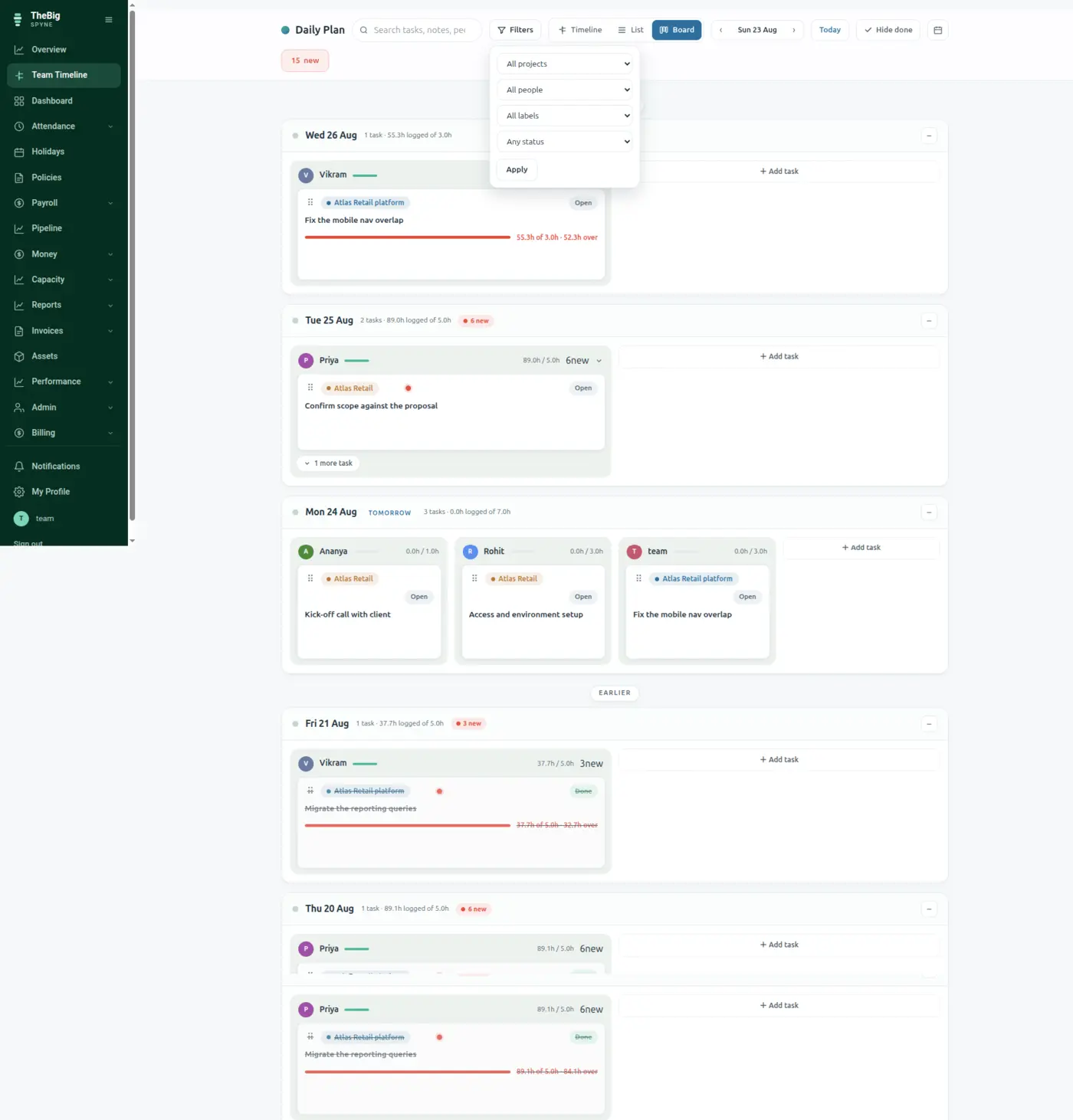
Every task carries logged against estimated hours. Over time that is the only honest input to "how long will this take" — and Spyne feeds it straight into the capacity forecast.
Questions, notes, time logs and system events thread on the task. No archaeology through a chat app to find out why something changed.
Unfinished work moves to tomorrow because somebody decided it should, not because a board silently rolled it over.
Hours logged against a project are what Spyne divides each person's payslip by. The board is not a planning toy — it is the input to your margins.
| Planning unit | One day at a time |
|---|---|
| On each task | Estimate, logged hours, labels, attachments, threaded activity |
| Attachments | Images, PDFs, documents and spreadsheets up to 10MB |
| Feeds | Capacity forecasting and cost of work |
For a small team running client work, usually yes — and unlike either, the hours logged here flow into payroll costing and project margins. For a large engineering org with deep issue workflows, it is not trying to be.
Nothing automatic. They are carried forward as an explicit decision, which is the point — a board that silently rolls work over stops meaning anything within a fortnight.
Only if you want cost of work and project margins to be accurate. Spyne reports unlogged hours honestly rather than spreading them across projects, so partial logging gives you a partial — but never a misleading — picture.
These are not separate products. What you record in one is what the next one reads.
Start a trial and generate a full sample company in one click — three months of attendance, payroll, invoices and projects, all joined up. Then delete it and start for real.