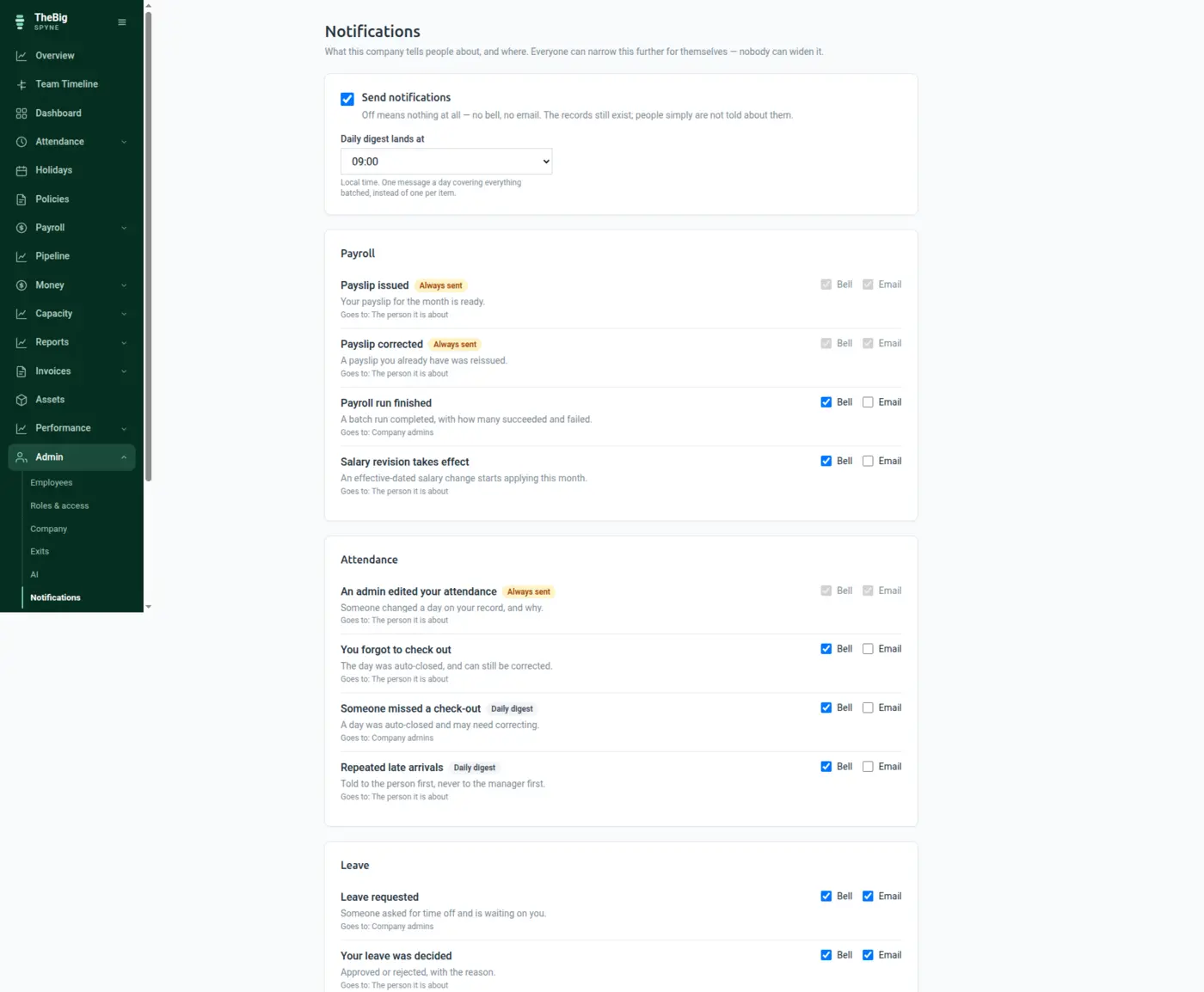
Notifications either become noise people mute or a feature nobody configures. Spyne declares every event it can send, who should hear it, and whether it is worth an email — and lets a person narrow that, never widen it.
30 days free · no card · your data exports whenever you want it
Most systems send everything to everyone by email, so within a fortnight the whole team has a filter rule and nobody sees the one notification that actually mattered.
Every event can be switched off entirely, or moved off email and onto the bell, for the whole company at once.
A preference can only ever reduce what the company enabled. Nobody can opt into an event their company turned off.
A payslip correction, an attendance edit, a change to your access. These are records you may need to dispute, and they are listed in the open rather than buried in a default.
One screen showing what the product can tell people, who it goes to, and what happens if you switch it off. No hidden sends.
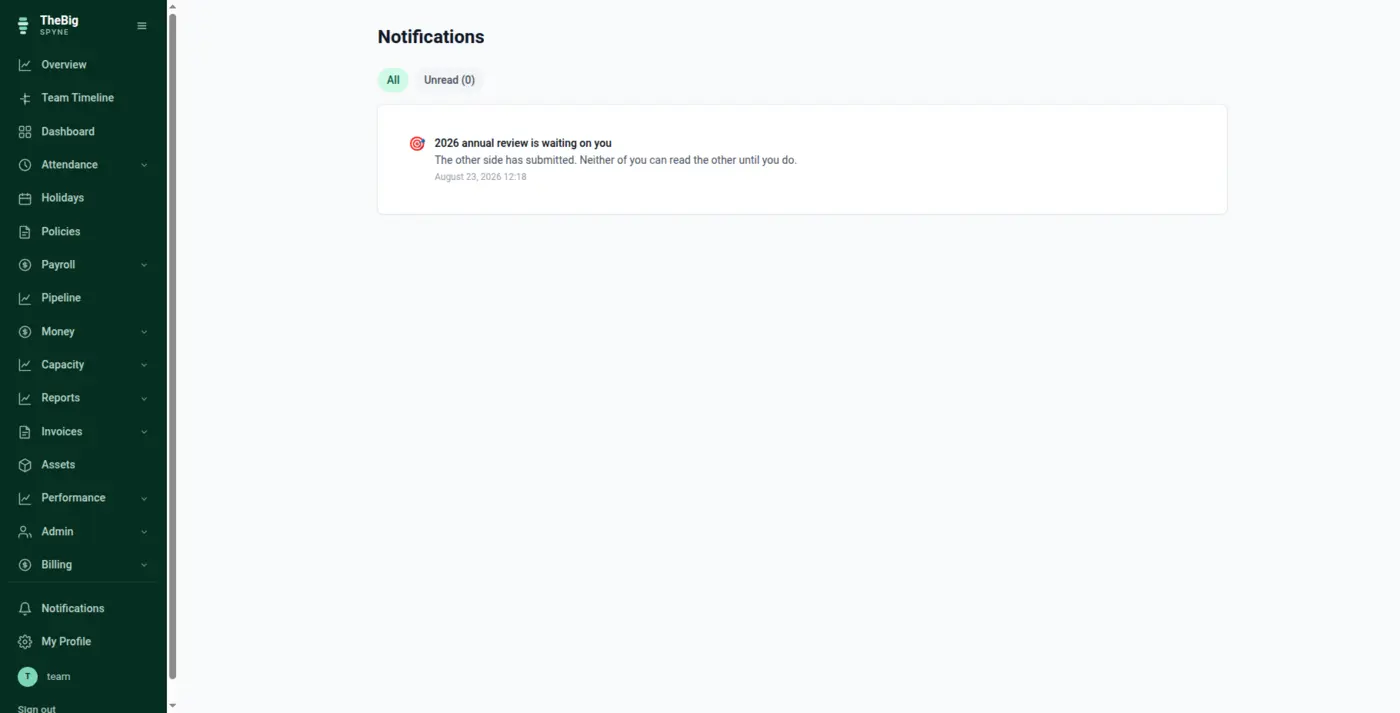
"Who hears about a leave request" is whoever can approve one — not whoever is called an admin. The audience follows the permission, so it stays right when a role changes.
Overdue invoices, stale approvals, policies still unconfirmed — batched into one message a day at the hour you choose, rather than thirty bells.
Every notification carries a deduplication key, so a retried job or a redeployed worker cannot announce the same thing again.
Email is for what needs action away from the app, or for somebody who cannot reach the app at all — a locked-out account. Everything else is the bell.
| Events | Around 40, across payroll, attendance, leave, invoicing, assets, exits, policies, performance, billing and account security |
|---|---|
| Channels | In-app bell and email |
| Cadence | Immediate, or batched into a daily digest |
| Preferences | Personal settings can narrow what the company enabled, never widen it |
| Non-mutable | Records you may need to dispute — payslip corrections, attendance edits, access changes |
Almost all of them, yes. The exceptions are records somebody may need to dispute later — a corrected payslip, an edited attendance day, a change to their access. Letting those be muted would defeat the audit trail they exist to create.
Most events default to the in-app bell rather than email, and the slow ones are batched into one daily digest. You can also switch any event off for the whole company in one place.
Whoever holds the permission to approve one. The audience is defined by permission rather than by role name, so it stays correct when you change who does what.
These are not separate products. What you record in one is what the next one reads.
Start a trial and generate a full sample company in one click — three months of attendance, payroll, invoices and projects, all joined up. Then delete it and start for real.